Welcome to Savanna’s online onboarding portal!
In order to start work you must fill out the forms below and return them to your Crew Coordinator.
Please review the documents section which will give more information about payroll, benefits and Savanna’s policies.
New Hire Forms
You are required to complete these forms to begin work.
WS New Hire Package Enclosed you will find your new hire paperwork. All of these forms must be completed and returned to your crew coordinator in order for you to begin work.
WS Transportation File Enclosed you will find your Drivers file forms. Please complete these forms and return to your crew coordinator before you begin work.
Common Safety Orientation (CSO) Click this link to complete CSO. An online safety orientation through Energy Safety Canada which is the standard general safety orientation for all workers in the petroleum industry.
If you have questions about these forms please contact your Crew Coordinator.
Documents
No need to print these or send to your Crew Coordinator, you can come back to read these at anytime.
Payroll Related Documents
Savanna’s payroll provider is ADP Workforce now. After your first day of work, you will receive an e-mail within your first month from Savanna containing instructions on how you can register online so that you can view your electronic pay statements.
2026 Documents:
Benefits Related Documents
Savanna’s group benefits carrier is Industrial Alliance Financial Group. For those covered by this plan, you can register with Industrial Alliance (“iA”) online to obtain an electronic copy of your benefits card and submit online claims. More information on how you can register online with iA will be given once you have started work at Savanna.
Benefit Forms – This is the benefits enrolment form that you may complete as a new hire to enroll into Savanna’s group benefits plan. This is also included in the new hire package already. If you have any questions please feel free to contact the iA Client Care Team and a customer service representative can assist you.
My Client Space (Online Portal) or iA Mobile App
- View your benefit coverage and claim history
- Submit and track health, dental, and vision claims
- Access your insurance card, benefit documents, and forms
- Search for eligible healthcare providers
- Update personal and banking information
- Set up direct deposit and manage notifications
🚨If You Were No Longer Here, Who Gets Your Life Insurance?🚨
If you do not designate a beneficiary for your group life insurance, benefits may be delayed or paid according to default rules, which may not reflect your wishes. This can create unnecessary stress and complications for your family during an already difficult time. Designating a beneficiary ensures that your life insurance benefits are paid quickly and directly to the person(s) you choose.
-
Without a beneficiary on file, payment of benefits can be delayed
-
Benefits may not be paid to the person you intended
-
Your family or loved ones may face added administrative and legal challenges
This is your responsibility. HR cannot select or update beneficiaries on your behalf.
Click here for a step-by-step guide on how to designate a beneficiary.
Employee Stock Savings Plan (ESP) – This is the ESP enrolment form that you may complete to participate in this program. For online enrollment into the Employee Stock Savings Plan, please refer to the instructions set out here: Sun Life – How to Enroll in the Plan
- Plan Summary
- Benefits Change Form
- Request to Withdraw Funds Form
- Benefits Summary – Field
- Benefits Summary – Office and Shop
- Sunlife Savings Guide
- Sunlife Mutual Fund Options
- Homewood – Employee and Family Assistance Program
Other Documents
Policies
No need to print these or send to your Crew Coordinator, you can come back to read these at anytime.
Total Corporate Policies
- Code of Business Conduct & Ethics
- Information Technology Usage
- Whistleblower
- Prevention of Workplace Harassment & Violence Policy and Procedures
- Alcohol and Drug Policy
- Anti-Bribery and Corruption Policy
- Mobile Device Policy
- Social Media Use Policy
- Health, Safety & Environment (HSE) Policy
- Safety Objectives
- Environment Objectives
- Disclosure Policy and Procedures
- Document Signing Policy
- Benefits Eligibility
Savanna Policies
Savanna Well Servicing Employee Referral Program
Did you know that Savanna has an Employee Referral Program?
You can earn up to $2,000 for referring an experienced* Floorhand, Derrickhand, or Operator
Employee Referral Program Documentation:
- Employee Referral Program Information
- Employee Referral Program Form
- Employee Referral Program Policy
Questions?
- If you may have any questions about the Employee Referral Program contact your Crew Coordinator or HR Representative.
(*Hot Job Referrals must have 6 months or more experience on a Service Rig. The Employee Referral Program is subject to the terms and conditions of the program and may change at Savanna’s discretion.)
Savanna’s Personal Protective Equipment (PPE) Programs
Savanna is committed to the health and safety of all our employees, which includes ensuring that all workers have the appropriate workplace attire and personal protective equipment (PPE) while on Savanna worksites, this includes our employees having the appropriate footwear and eyewear.
Savanna has a Safety Boots Program and Prescription Safety Glasses Program that is available to employees. Please refer to the following links below for more information.
Safety Boots Program – Through Mark’s Canada
To participate in this program, contact your Crew Coordinator for details.
Prescription Safety Glasses Program – Through Eyesafe Canada
To participate in this program, contact Savanna’s benefits team at benefits@savannaenergy.com
Employee Discount Programs
Employee Discount Programs provide workers access to a variety of consumer products and services at a discount.
Employees may contact the following vendors directly (or go in-store/online) to obtain discounts and group rates.
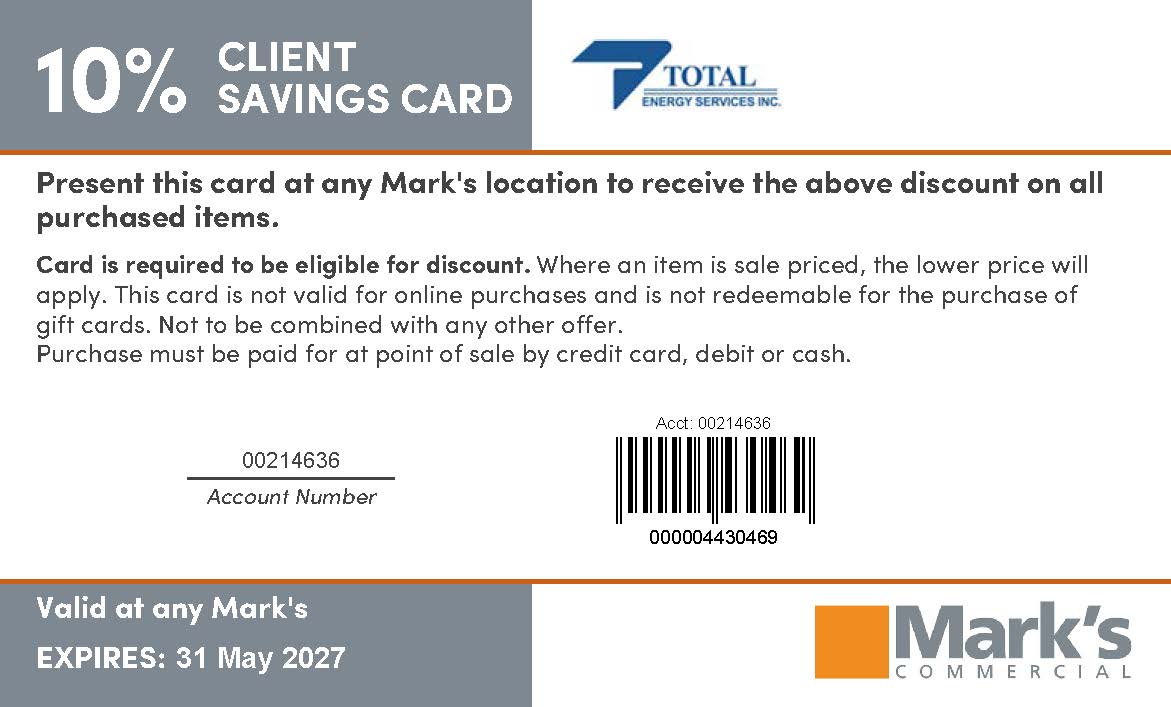
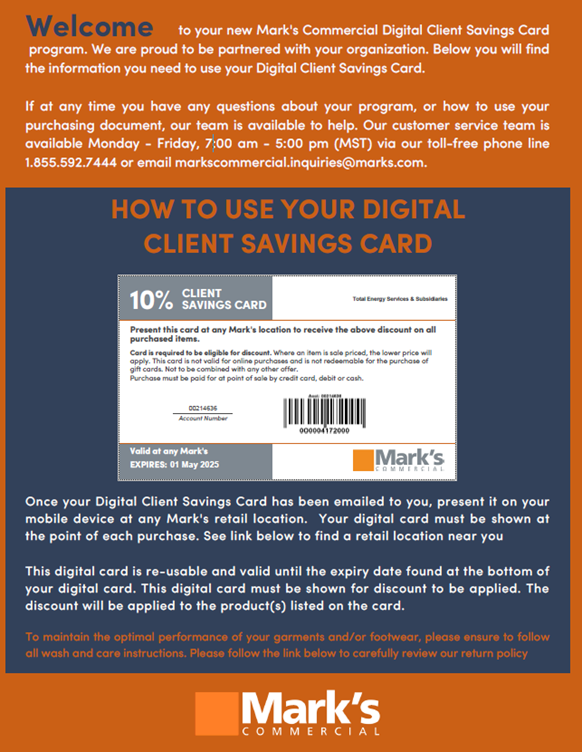
Mark’s Discount
The Brick
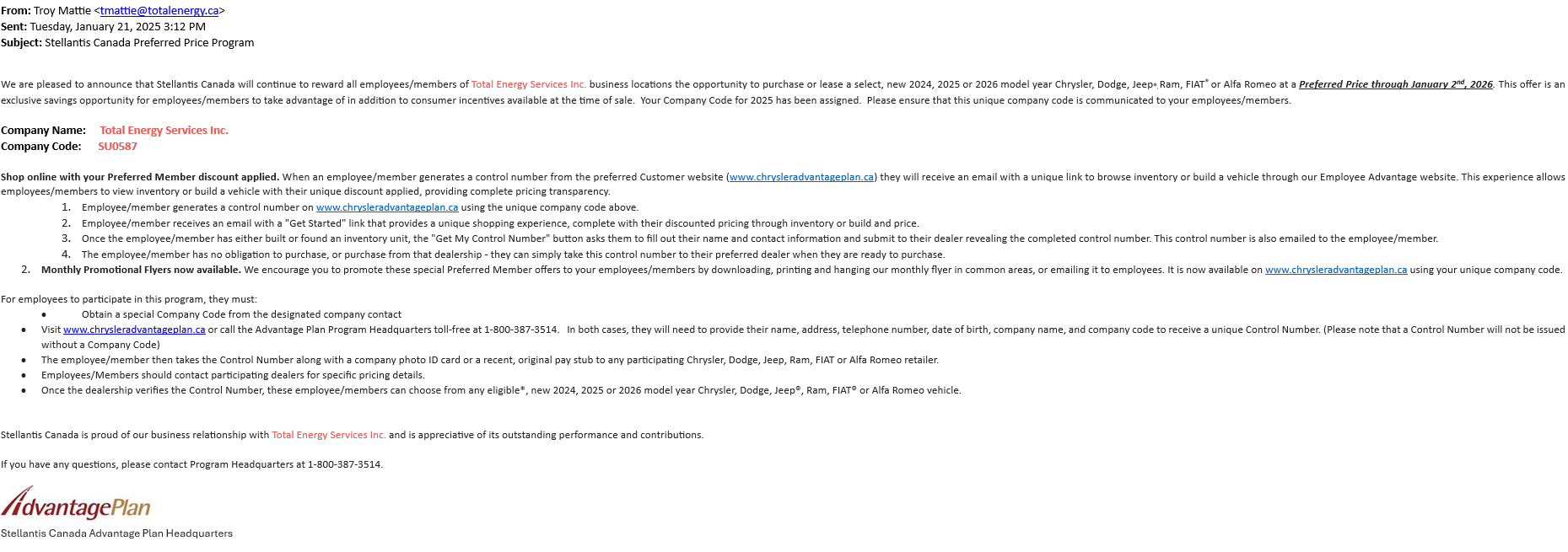
FCA Canada
- FCA Canada Preferred Pricing
- Website: www.chrysleradvantageplan.ca
- Toll Free: 1-800-387-3514
- Company Name: Total Energy Services Inc.
- Company Code: SU0587
Enterprise/National – Executive Benefits
- Emerald Aisle Perks and Discounts with membership: Enterprise & National Car Rental
- To sign up visit: Here
Fountain Tire Discount
GM Preferred Pricing
Ford X-Plan
Trail Appliances
Bell Exclusive Partner Program
- Bell Exclusive Partner Program Welcome Letter
- Instructions On How To Access The Bell Exclusive Partner Program (EPP)
HSBC
Annual Policy Acknowledgement Instructions
You are required to review and acknowledge company policies on a yearly basis. Here are two ways to acknowledge these policies:
If you have questions about these instructions, please contact Savanna’s Benefits team.
Contacts
Do you have questions? You may contact the following…
Payroll Inquiries: SWSCA-Payroll@savannawellservicing.com
Benefits Inquiries: Benefits@SavannaEnergy.Com
Human Resources Inquiries: SWSCA-HumanResources@savannawellservicing.com